

Master Portable Charging Workflow for Efficient Mobility
Juggling daily commutes and long-haul flights means keeping every device powered up can feel like a full-time job for tech-driven professionals. Whether you are hopping between New York and London or catching up on work at a Parisian café, staying connected relies on more than just standard chargers. Understanding your portable charging workflow helps you travel smarter, protect your devices, and avoid battery anxiety wherever your journey takes you.
Table of Contents
- Step 1: Assess Your Charging Needs And Devices
- Step 2: Select Optimal Portable Charging Accessories
- Step 3: Organise And Prepare Charging Setup
- Step 4: Connect And Configure Your Devices
- Step 5: Verify Charging Performance And Safety
- Step 6: Maintain And Enhance Your Workflow
Quick Summary
| Key Point | Explanation |
|---|---|
| 1. Assess charging needs and devices | Inventory your electronic devices to identify their specific power and charging requirements. |
| 2. Choose optimal charging accessories | Select versatile chargers that match your device compatibility and safety certifications for reliable performance. |
| 3. Organise your charging setup | Create a dedicated charging station to avoid clutter and enhance device accessibility and protection. |
| 4. Verify device connections | Ensure proper connection and configuration to maximise charging efficiency and prevent complications. |
| 5. Maintain charging workflow | Regularly inspect and update your equipment to ensure optimal performance and adaptation to new technologies. |
Step 1: Assess your charging needs and devices
Successfully managing your portable charging workflow begins with a comprehensive assessment of your personal electronic ecosystem. Understanding your unique power requirements is crucial for selecting the right charging solutions that seamlessly integrate with your lifestyle and devices.
Start by conducting a detailed inventory of your electronic devices, including smartphones, tablets, laptops, wireless earbuds, and other portable gadgets. List out their specific charging specifications, focusing on critical details such as:
- Voltage requirements
- Charging port types (USB-C, Lightning, Micro-USB)
- Battery capacity
- Fast charging compatibility
The electric vehicle charging infrastructure guidelines emphasise the importance of understanding universal design principles when evaluating power needs. This approach helps you create a more strategic and efficient charging strategy.
Knowing your devices’ precise power requirements prevents potential charging inefficiencies and potential battery damage.
Consider your typical daily routine and travel patterns. Frequent travellers will have different charging needs compared to those who primarily work from home. Assess factors like:
- Average daily device usage
- Number of devices needing simultaneous charging
- Typical environments where you’ll need portable power
- Duration between charging opportunities
Practical advice: Create a digital or physical chart mapping out each device’s specific charging requirements to simplify your power management strategy.
Step 2: Select optimal portable charging accessories
Now that you understand your device charging requirements, selecting the right portable charging accessories becomes a strategic process of matching your specific power needs with the most suitable technology. Your goal is to find versatile, reliable charging solutions that offer both compatibility and convenience.
When choosing portable charging accessories, consider the following key criteria:
- Charging speed and power delivery
- Number and type of ports
- Total battery capacity
- Size and portability
- Additional safety features
Portable charger certification standards play a crucial role in ensuring your accessories meet international safety and performance requirements. Look for devices that comply with recognised electrical safety standards to protect your valuable electronics.
Professional-grade charging accessories should offer universal compatibility and robust protection for your devices.
Prioritise accessories that offer flexible charging options, such as:
- Multiple USB port configurations
- Support for various device voltages
- Integrated safety mechanisms
- Compact and lightweight designs
The best portable chargers typically feature advanced power delivery technologies, ensuring efficient and rapid charging across different device types.
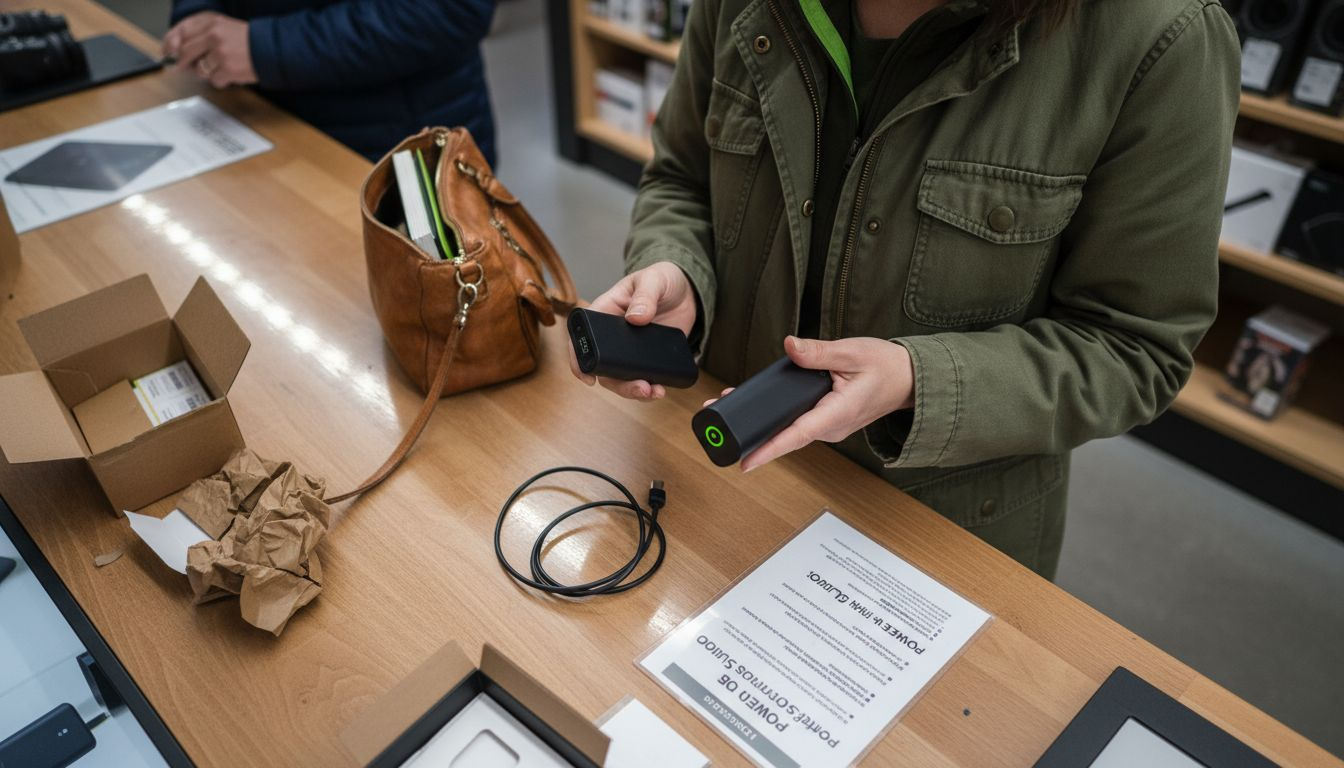
Practical advice: Invest in multi-port charging accessories with universal compatibility to streamline your portable power management and reduce the number of separate chargers you need to carry.
To assist in selecting the most suitable portable charging accessories, here is a comparison of popular charging technologies and their key advantages:
| Charging Technology | Compatibility Range | Speed of Charging | Notable Benefits |
|---|---|---|---|
| USB-C Power Delivery | Broad (new devices, laptops) | Very fast | High wattage, universal use |
| Quick Charge (QC) | Many Android devices | Fast | Efficient, device-optimised charging |
| Wireless Qi | Most new phones, earbuds | Moderate | Cord-free, reduces wear on ports |
| Standard USB-A Output | Legacy phones, basic gadgets | Slower | Widely supported, affordable |
Step 3: Organise and prepare charging setup
Creating an efficient charging setup requires strategic planning and thoughtful organisation to ensure seamless power management for all your electronic devices. Your goal is to develop a streamlined system that maximises accessibility, minimises cable clutter, and protects your valuable electronics.
Begin by establishing a dedicated charging station with careful consideration of key elements:
- Proximity to power outlets
- Stable and flat surface area
- Adequate ventilation
- Protection from potential water damage
- Easy device accessibility
Efficient charging cart setup techniques emphasise the importance of creating a systematic approach to device management. Implement a logical organisation strategy that allows quick identification and retrieval of devices.
A well-designed charging setup transforms chaos into a seamless power management system.
Organise your charging accessories using the following systematic approach:
- Group devices by charging requirements
- Use cable management solutions
- Label charging cables and adapters
- Create a rotation system for device charging
Arrange your charging station with clear zones for different device types, ensuring each electronic item has a designated charging space. Consider using multi-port charging hubs and cord organisers to maintain a clean, efficient workspace.
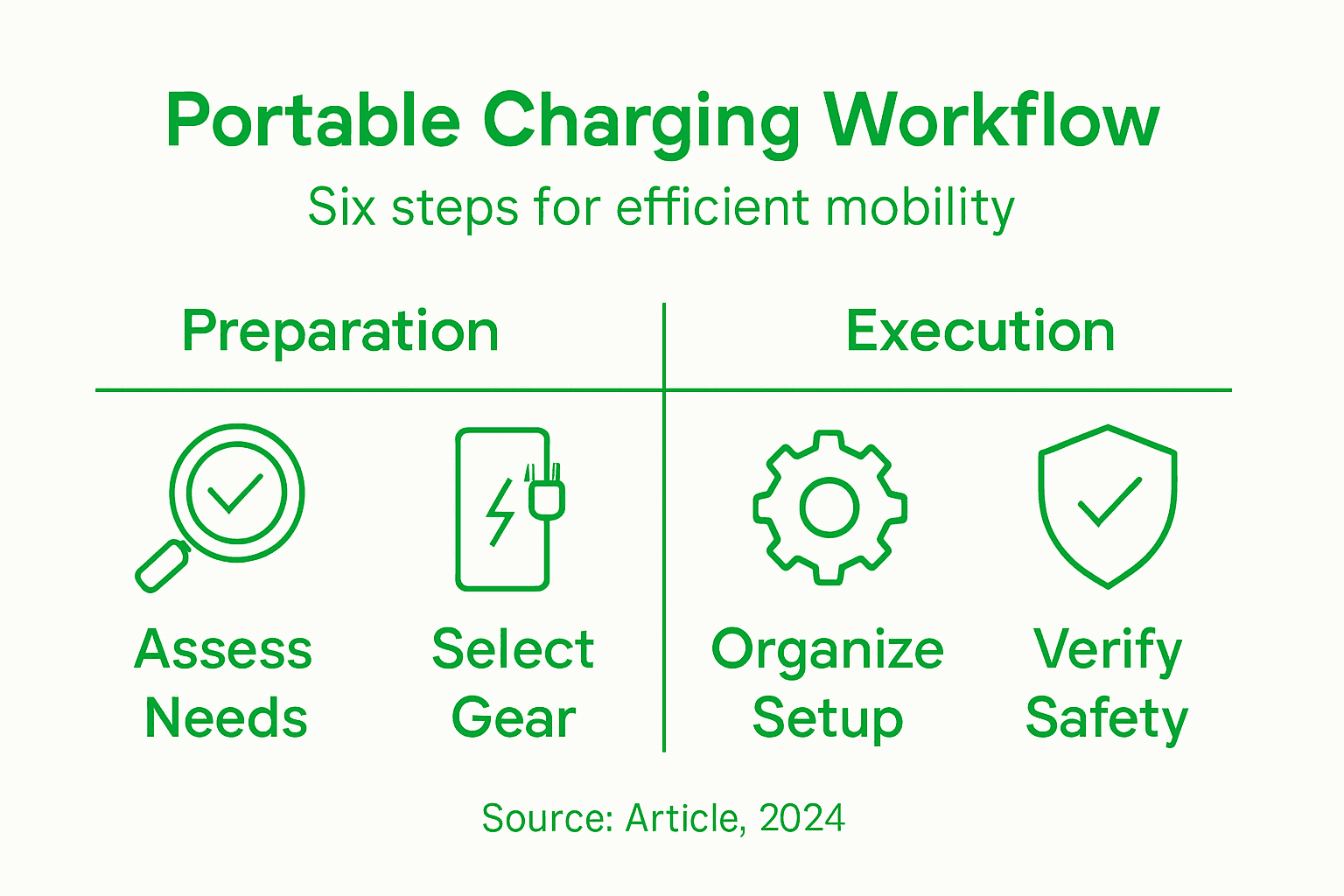
Practical advice: Invest in colour-coded cable organisers and magnetic cable holders to maintain a tidy charging environment and prevent tangling.
Step 4: Connect and configure your devices
Successfully connecting and configuring your electronic devices is crucial for creating a seamless and efficient charging workflow. This step ensures that each device communicates effectively with your charging accessories and maximises power transfer capabilities.
Begin by gathering all necessary cables, adapters, and connection interfaces for your specific devices:
- USB-C cables
- Lightning connectors
- Micro-USB adapters
- Wireless charging pads
- Multi-port charging hubs
Professional device configuration techniques emphasise the importance of systematic device connection and compatibility verification. Check that each device’s port matches the appropriate charging interface before establishing a connection.
Precise device configuration transforms potential charging complications into smooth, reliable power management.
Follow these systematic steps for optimal device connection:
- Inspect device and cable compatibility
- Clean device charging ports
- Ensure secure cable connections
- Verify charging indicator lights
- Monitor initial charging performance
When connecting multiple devices, prioritise using smart charging hubs that can simultaneously manage different power requirements. Some advanced multi-port chargers offer intelligent power distribution, preventing overloading and optimising charging efficiency.
Practical advice: Always keep a versatile charging adapter kit with multiple connector types to ensure you’re prepared for any device charging scenario.
Step 5: Verify charging performance and safety
Ensuring the reliability and safety of your portable charging workflow is critical to protecting your valuable electronic devices and maintaining long-term battery health. This step involves comprehensive checks to validate your charging system’s performance and electrical integrity.
Conduct a thorough assessment of your charging setup using these essential criteria:
- Temperature monitoring
- Voltage stability
- Current regulation
- Connection integrity
- Thermal performance
Electric vehicle charging safety standards provide an excellent framework for understanding comprehensive electrical safety protocols. Apply similar meticulous verification processes to your personal charging ecosystem.
Proactive safety checks prevent potential electrical hazards and extend the lifespan of your electronic devices.
Implement these systematic verification steps:
- Check cable and adapter condition
- Verify charging port cleanliness
- Monitor device temperature during charging
- Test charging speed and efficiency
- Inspect for any physical damage or wear
Utilise diagnostic tools and smartphone apps that can provide real-time insights into charging performance. Pay special attention to unusual heating, unexpected charging interruptions, or inconsistent power delivery.
Practical advice: Invest in a quality multimeter to perform periodic electrical checks and ensure your charging accessories maintain optimal performance standards.
Step 6: Maintain and enhance your workflow
Continuous improvement of your portable charging ecosystem requires strategic monitoring, periodic upgrades, and proactive maintenance. By developing a systematic approach to workflow optimisation, you can ensure your charging setup remains efficient, reliable, and adaptable to evolving technological requirements.
Implement these critical maintenance strategies:
- Regular equipment inspection
- Software and firmware updates
- Performance tracking
- Replacement of worn components
- Technology adaptation
Global best practices in charging infrastructure emphasise the importance of ongoing operational optimisations and strategic system upgrades.
Consistent maintenance transforms your charging workflow from functional to exceptional.
Develop a comprehensive maintenance routine by following these key steps:
- Schedule quarterly equipment reviews
- Track battery performance metrics
- Clean charging interfaces and cables
- Update device firmware
- Evaluate emerging charging technologies
Consider creating a digital maintenance log to track your charging accessories’ performance, recording details such as charging speeds, battery health, and any observed irregularities. This approach allows you to identify potential issues before they become significant problems.
Practical advice: Allocate time each quarter to review and refresh your charging ecosystem, treating it as an investment in your technological productivity.
For ongoing workflow improvements, consider this summary of maintenance strategies and their practical impact:
| Strategy | Maintenance Action | Outcome for Workflow |
|---|---|---|
| Equipment Inspection | Quarterly hardware checks | Reduces unexpected failures |
| Performance Tracking | Monitor charging speed | Detects decline early |
| Software/Firmware Updates | Install updates as released | Enhances security and features |
| Technology Adaptation | Review new charger releases | Keeps setup future-proof |
Enhance Your Portable Charging Workflow with Charg-R
Managing a seamless and efficient charging workflow can be challenging when juggling multiple devices with different power needs. From assessing device compatibility to organising cables and ensuring safety, the process requires reliable, multifunctional accessories designed for convenience and durability. If you want to eliminate clutter and boost your charging efficiency, exploring the right portable power solutions is essential.
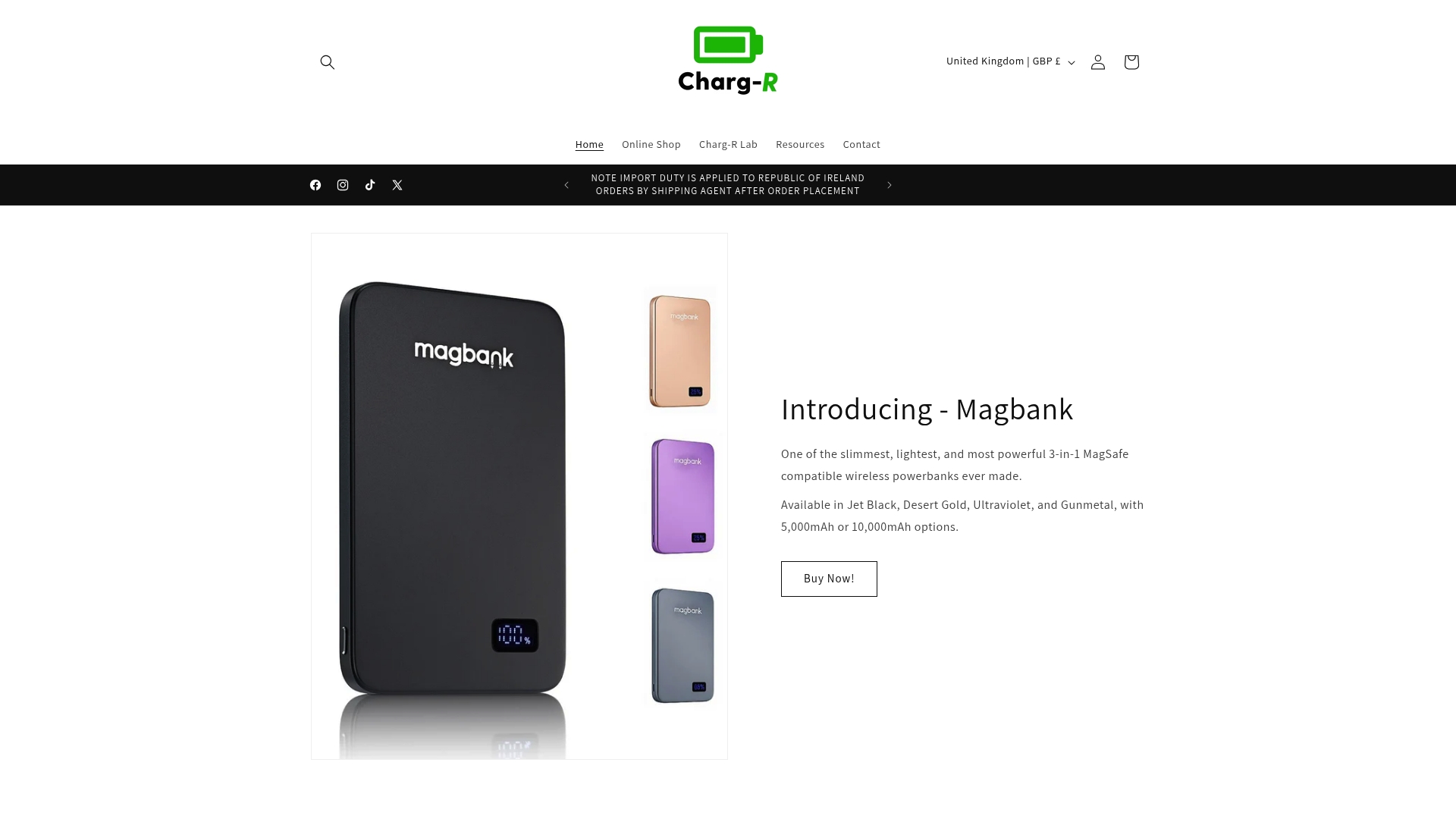
Discover the range of innovative power banks, wireless chargers, and travel adapters at Charg-R Home Page. Our products are engineered with fast charging, slim profiles, and advanced safety features to match the specific needs outlined in your charging workflow. Take the first step in streamlining your power management system today by selecting versatile accessories that adapt perfectly to your lifestyle. Visit Charg-R to start upgrading your charging setup and experience true mobility freedom.
Frequently Asked Questions
How can I assess my charging needs for my devices?
To assess your charging needs, inventory your electronic devices and note their voltage requirements, charging port types, battery capacity, and fast charging compatibility. Create a chart to simplify your power management strategy and address your typical daily use and travel patterns.
What should I consider when selecting portable charging accessories?
When selecting portable charging accessories, consider their charging speed, power delivery capabilities, number and type of ports, total battery capacity, and safety features. Prioritise versatile accessories that support multiple device types and offer universal compatibility to enhance your portable charging solutions.
How can I organise my charging setup effectively?
Establish a dedicated charging station that is close to power outlets and has a flat surface for stability. Use cable management solutions and clearly label chargers to keep your setup tidy and accessible, aiming to use colour-coded organisers for easy identification.
What should I do to verify my devices’ charging performance?
Regularly check the charging performance of your devices by inspecting the condition of cables and adapters, monitoring device temperatures, and verifying charging indicators. Implement a routine that includes testing charging efficiency and ensuring connection integrity to maintain optimal performance.
How can I maintain and enhance my portable charging workflow?
To maintain and enhance your workflow, schedule regular equipment inspections and update software or firmware as necessary. Keep track of battery performance metrics and clean charging interfaces periodically to prevent issues and prolong the lifespan of your charging setup.