

What Is a Dock Station and Why It Matters
Fast-paced trips between Tokyo and Paris demand more than just a charger in your backpack. For young professionals using Apple devices on the move, the need for lightweight dock stations that offer reliable, high-speed charging and versatile connections is clear. Modern docks consolidate power, data, and video through a single USB-C or Thunderbolt port, streamlining your workspace without adding bulk. This guide clarifies what dock stations actually deliver, debunks common myths, and helps you identify the best features for seamless portability.
Table of Contents
- Dock Station Defined And Common Myths
- Key Types: Usb-C, Thunderbolt, And Wireless
- How Modern Dock Stations Work
- Essential Features And Real-World Uses
- Risks, Limitations, And Safety Factors
- Alternatives To Dock Stations Explained
Key Takeaways
| Point | Details |
|---|---|
| Dock Stations Are Not Universal | Users must verify compatibility since each dock is designed for specific devices and cannot be assumed to work universally. |
| Understand Connection Technology | Choose between USB-C, Thunderbolt, and wireless technologies based on your specific productivity needs and performance requirements. |
| Safety Considerations Are Critical | Be aware of potential risks like overheating and power delivery issues; evaluate safety before implementing dock technologies. |
| Explore Alternative Connectivity Solutions | Consider options such as wireless display adapters and portable hubs to enhance connectivity flexibility beyond traditional dock stations. |
Dock Station Defined and Common Myths
A dock station is an ingenious device designed to transform your mobile computing experience by expanding your device’s connectivity and functionality. These compact accessories serve as a central hub, allowing you to connect multiple peripherals and extend your laptop’s capabilities far beyond its native port configuration.
Understanding dock stations requires dispelling several persistent misconceptions. Docking stations are not universal devices, contrary to popular belief. Each dock is uniquely engineered to accommodate specific device types, with significant variation across manufacturers and models.
Key characteristics of modern dock stations include:
- Ability to connect multiple external displays
- Provide additional USB ports
- Enable high-speed data transfer
- Support charging functionality
- Offer Ethernet network connectivity
- Simplify peripheral management
Many users mistakenly assume all dock stations are identical, but the reality is far more nuanced. Dock stations range from simple port replicators to complex multi-port adapters, each with unique design philosophies and technical specifications.
The evolution of dock stations reflects broader technological trends, transitioning from basic connection tools to sophisticated accessories that dramatically enhance mobile computing flexibility. Modern docks are not just about adding ports - they’re about creating seamless, integrated digital workspaces.
Pro tip: Always verify your specific device’s compatibility before purchasing a dock station to ensure optimal performance and connectivity.
Key Types: USB-C, Thunderbolt, and Wireless
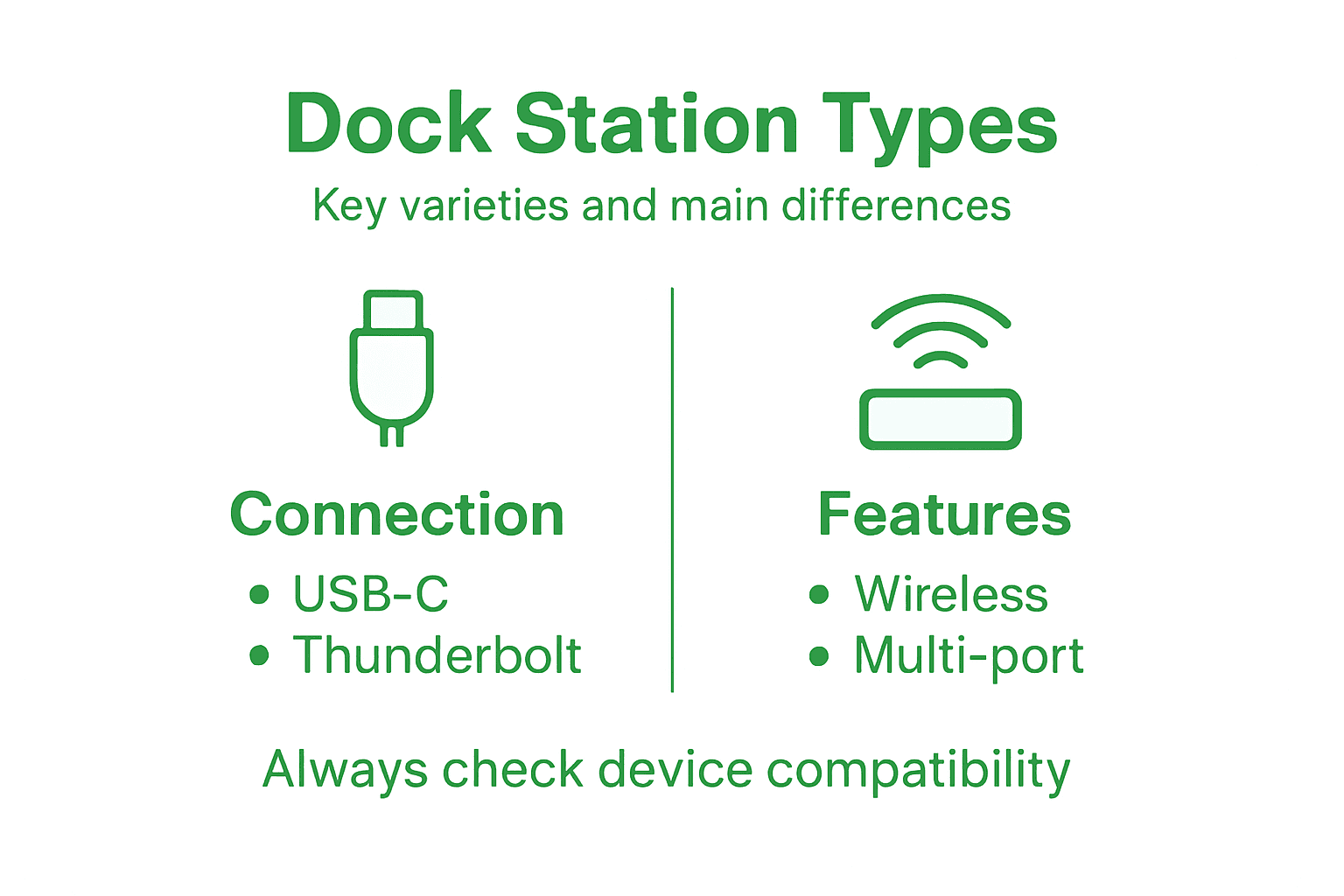
Navigating the world of dock stations means understanding the three primary connection technologies that define modern connectivity: USB-C, Thunderbolt, and wireless interfaces. Each technology offers unique advantages, catering to different user needs and device configurations.
USB-C docking stations represent the most versatile and widely adopted connection standard. These powerful connectors support multiple functions simultaneously, enabling data transfer, power delivery, and video output through a single, compact port. With speeds up to 10 Gbps, USB-C docks provide robust performance for most everyday computing requirements.
Key characteristics of USB-C docks include:
- Reversible connector design
- Support for multiple protocols
- Power delivery capabilities
- Compatibility with numerous device types
- Relatively affordable pricing
- Compact and lightweight form factor
Thunderbolt technology takes connectivity to the next level. Thunderbolt interfaces offer dramatically higher speeds - reaching up to 40 Gbps - making them ideal for professional users requiring intensive data transfers, external graphics, and high-resolution display connections.
Compared to USB-C and Thunderbolt, wireless docking stations provide a different approach to connectivity. These innovative solutions eliminate cable clutter, allowing peripheral connections via Wi-Fi or Bluetooth. While convenient, wireless docks typically trade speed and reliability for portability.
Wireless dock capabilities typically include:
- Cable-free peripheral connections
- Easy setup and mobility
- Reduced desk clutter
- Compatibility with multiple devices
- Lower bandwidth compared to wired options
Professional users often prefer Thunderbolt for its superior performance, while casual users might find USB-C more than sufficient for their needs.
Pro tip: Consider your specific workflow and performance requirements when selecting between USB-C, Thunderbolt, and wireless dock technologies.
For clarity, here’s how USB-C, Thunderbolt, and Wireless docking stations differ on key practical aspects:
| Connectivity Technology | Typical Use Case | Speed & Bandwidth | Reliability Considerations |
|---|---|---|---|
| USB-C | Everyday productivity, portable workspaces | Up to 10 Gbps, multi-protocol | Generally stable, moderate compatibility |
| Thunderbolt | High-performance tasks, creative professionals | Up to 40 Gbps, advanced graphics | Exceptionally reliable, device-specific |
| Wireless | Flexible setups, mobility prioritised | Variable, often below 1 Gbps | Susceptible to interference and slower speeds |
How Modern Dock Stations Work
Modern dock stations represent a sophisticated technological solution that transforms how we connect and expand our digital devices’ capabilities. These intelligent connectivity hubs consolidate multiple peripheral interfaces through a single, streamlined connection point, revolutionising how professionals and casual users interact with their computing equipment.
The core functionality of dock stations revolves around their ability to dramatically expand a device’s connectivity. Key technical mechanisms include:
- Signal translation and routing
- Power delivery management
- Bandwidth allocation
- Protocol compatibility
- Multi-interface coordination
- Resource prioritisation
Port replication sits at the heart of dock station technology. By using advanced connection technologies, these devices can instantaneously extend a laptop’s native port configuration, enabling users to connect multiple peripherals simultaneously without constantly swapping cables.

The technical architecture of modern dock stations involves complex firmware and hardware integration. When a device connects, the dock’s internal controllers recognise the connection, negotiate bandwidth, manage power distribution, and establish communication protocols - all within milliseconds. This seamless process allows users to connect monitors, external storage, network cables, and audio devices through a single connection point.
Wireless and wired dock stations operate through slightly different mechanisms, but both aim to simplify device connectivity. Wired docks use direct electrical connections to transfer data and power, while wireless variants leverage Wi-Fi or Bluetooth technologies to achieve similar results with added flexibility.
Modern dock stations are essentially intelligent connection managers, transforming a simple port into a comprehensive digital interface.
Pro tip: Always check your device’s specific compatibility and required bandwidth before selecting a dock station to ensure optimal performance.
Essential Features and Real-World Uses
Dock stations offer a comprehensive suite of features that transform portable devices into powerful, flexible workstations. These versatile accessories bridge the gap between mobile computing and desktop-level productivity, providing users with expanded connectivity and enhanced functionality.
Essential features of modern dock stations typically include:
- Multiple USB port configurations
- High-resolution video outputs
- Ethernet network connectivity
- Power delivery capabilities
- Audio input/output support
- Multi-monitor display options
- Fast data transfer protocols
- Compact and portable design
Professional environments represent the primary landscape where dock stations truly demonstrate their value. Knowledge workers, designers, programmers, and remote professionals rely on these devices to create flexible, ergonomic workspaces that seamlessly transition between home, office, and mobile environments.
Connectivity expansion represents the most critical function of contemporary dock stations. These intelligent devices can instantly transform a laptop into a comprehensive workstation, enabling users to connect multiple peripherals simultaneously without the hassle of constant cable swapping.
Real-world applications span multiple professional sectors, from creative industries to technical development teams. Graphic designers might connect high-resolution monitors, external storage, and specialised input devices, while software developers can link multiple screens, specialised keyboards, and network resources through a single connection point.
Dock stations are not just accessories - they’re productivity multipliers that bridge mobile flexibility with desktop-level performance.
Pro tip: Invest in a dock station that provides at least 10% more ports than your current device requirements to accommodate future technology upgrades.
To help select the best dock station for your needs, consider these feature impacts:
| Feature Category | Business Value | Typical Implementation | Upgrade Potential |
|---|---|---|---|
| Multi-display support | Enhances collaboration and workflow | Dual or triple video outputs | Supports larger screens and more displays |
| Ethernet networking | Boosts stable internet and security | Integrated gigabit port | May upgrade to faster network standards |
| Power delivery | Enables device charging and reduces clutter | Integrated fast-charging module | Higher wattage for new devices |
| USB expansion | Simplifies peripheral connectivity | Multiple USB ports with varied specs | Increases device compatibility |
Risks, Limitations, and Safety Factors
While dock stations provide remarkable connectivity solutions, users must understand potential risks and inherent technological limitations. Safety considerations span both physical device integrity and electronic performance parameters, requiring careful evaluation before implementation.
Key potential risks associated with dock stations include:
- Electrical surge vulnerability
- Overheating potential
- Power delivery inconsistencies
- Signal interference
- Data transmission instability
- Potential device compatibility issues
- Mechanical connection wear
- Firmware update complications
Thermal management represents a critical safety consideration for dock stations. Electronic devices generate heat during data transfer and power delivery, and poorly designed docks can create dangerous temperature escalations that might compromise device performance or potentially cause permanent damage.
Dock device safety requires comprehensive risk assessment, encompassing both hardware and software dimensions. Professional users must consider factors like power regulation, signal integrity, and mechanical stress when selecting and implementing dock station technologies.
Limitations frequently emerge from proprietary design philosophies, where manufacturers create device-specific connections that restrict universal compatibility. This approach can create significant challenges for users seeking flexible, cross-platform connectivity solutions.
Technical limitations are not obstacles, but opportunities for more intelligent design and user-centric innovation.
Pro tip: Always verify your dock station’s maximum power delivery capacity and ensure it matches or slightly exceeds your device’s specific requirements.
Alternatives to Dock Stations Explained
Technology enthusiasts and professionals seeking connectivity solutions have several intriguing alternatives to traditional dock stations. Emerging alternatives range from wireless technologies to specialised connection platforms, each offering unique advantages and addressing specific user requirements.
Key alternatives to conventional dock stations include:
- Wireless display adapters
- Portable USB-C hubs
- Multi-port travel adapters
- Cloud-based synchronisation platforms
- Bluetooth connectivity solutions
- Remote desktop applications
- Portable screen mirroring devices
- Network-attached storage (NAS) systems
Wireless connectivity platforms represent a significant alternative to traditional dock stations. These solutions enable device connection without physical ports, leveraging technologies like Wi-Fi, Bluetooth, and advanced streaming protocols to transfer data and display content seamlessly.
Drone docking systems demonstrate innovative alternative connectivity approaches, particularly in specialised professional contexts. These automated systems provide rapid deployment and management capabilities for technological infrastructure, showcasing how alternative connection strategies can revolutionise specific industry workflows.
Cloud-based solutions increasingly challenge traditional dock station paradigms by enabling remote access, file synchronisation, and device management through internet-connected platforms. These alternatives offer unprecedented flexibility for users who prioritise mobility and seamless cross-device experiences.
Technology alternatives are not replacements, but complementary solutions expanding our connectivity possibilities.
Pro tip: Evaluate your specific connectivity needs and explore multiple alternatives before committing to a single solution.
Enhance Your Connectivity with Smart Charging Solutions
Understanding the importance of dock stations and their role in expanding device functionality highlights a common challenge: managing multiple peripherals without compromising portability or power. If you struggle with unreliable power delivery, limited ports, or cluttered cables, it is time to explore smarter alternatives that complement your dock station setup. At Charg-R, we focus on providing innovative power banks, portable chargers, and travel adapters designed to keep your devices running smoothly while offering maximum convenience.
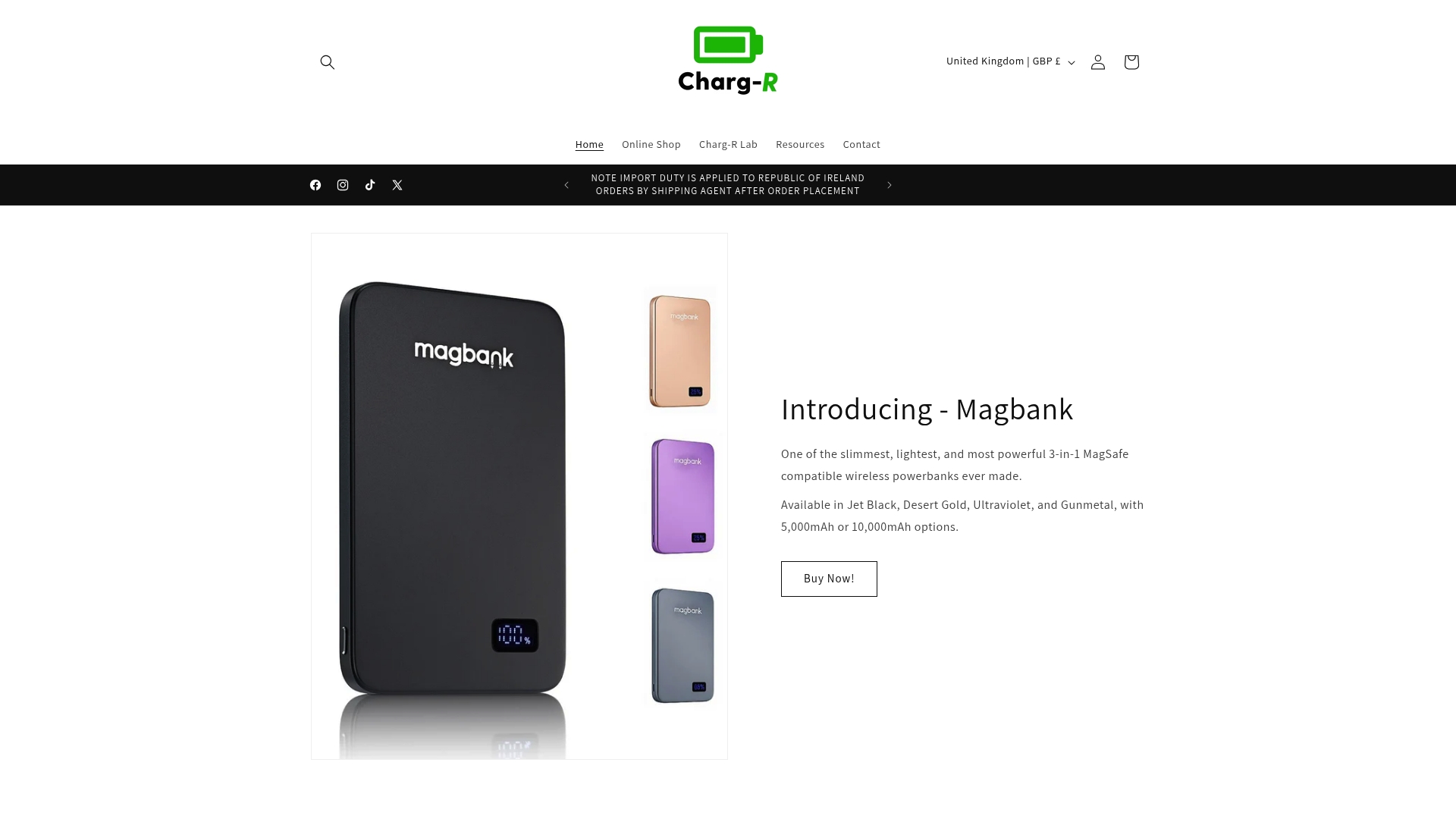
Discover a range of high-quality, lightweight accessories that support your mobile workspace. Whether you need fast charging for your Apple devices, sleek wireless chargers, or multifunctional travel docks, our collection meets the demands of tech enthusiasts and frequent travellers alike. Visit Charg-R today to experience reliable, safe, and efficient power solutions that perfectly complement your dock station and boost productivity. Don’t wait to upgrade your setup—explore our products now and stay powered wherever life takes you.
Frequently Asked Questions
What is a dock station?
A dock station is a device that expands a laptop’s connectivity and functionality by allowing multiple peripherals to be connected through a single hub.
What are the key types of dock stations?
The key types of dock stations are USB-C, Thunderbolt, and wireless, each providing different speeds, compatibility, and connectivity options for various user needs.
How do dock stations enhance productivity?
Dock stations enhance productivity by enabling seamless connections to multiple displays, peripherals, and networks, transforming mobile devices into powerful workstations with greater functionality.
What should I consider before purchasing a dock station?
Before purchasing a dock station, consider your device’s compatibility, required bandwidth, and any specific features you may need, such as multi-display support or power delivery capabilities.
Recommended
- Travelbud 4-in-1 Travel Docking Station with Built-in Retractable Cabl – Charg-R
- DiscGo 3-in-1 Retractable Cable Set – Charg-R
- Charg-R Lab
- The Brickbank - the Small Friendly Giant Powerbank – Charg-R
- Hisense Hm628 Standard Docking Station
- Understanding Wireless Charging Explained for All Users – buy2fix